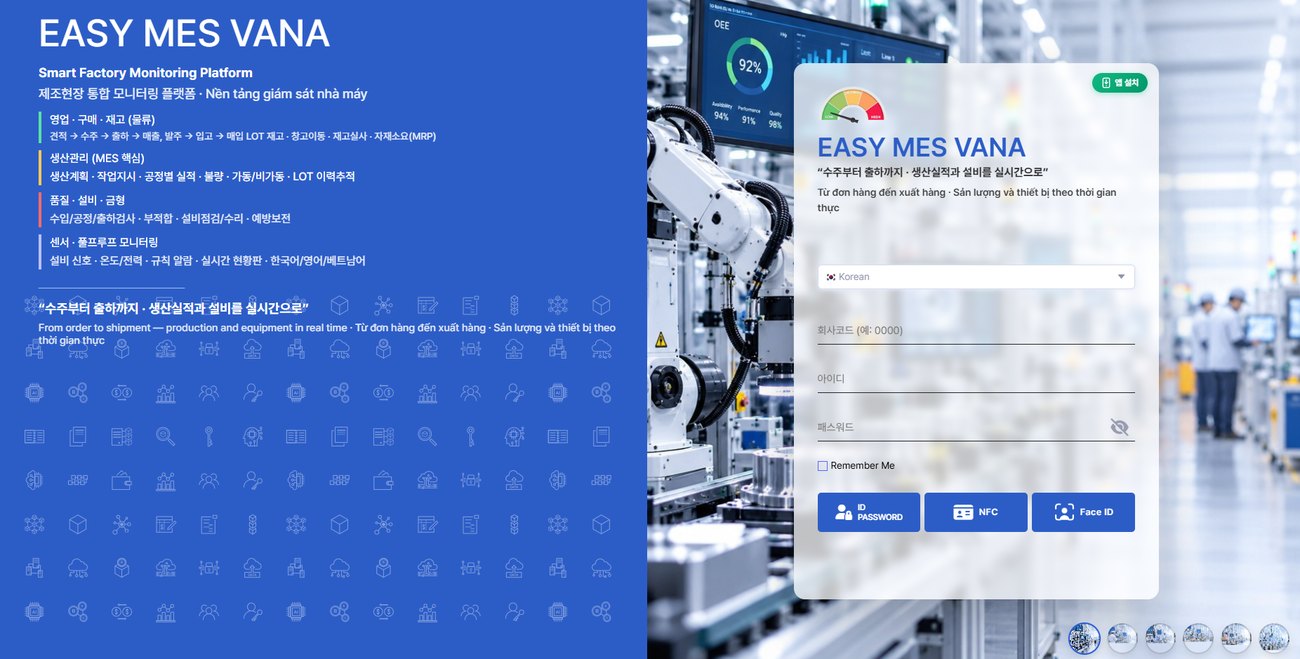
From orders and purchasing to production, quality, equipment, and sensors. A screen system dedicated to manufacturing, where work orders and inspection standards registered in the office appear automatically on shop-floor monitors.
These are the concerns of those looking for an MES that fits their factory size, and EASY MES's answers.
Some screens are mockups (pilot) under development. All names and figures are sample data.
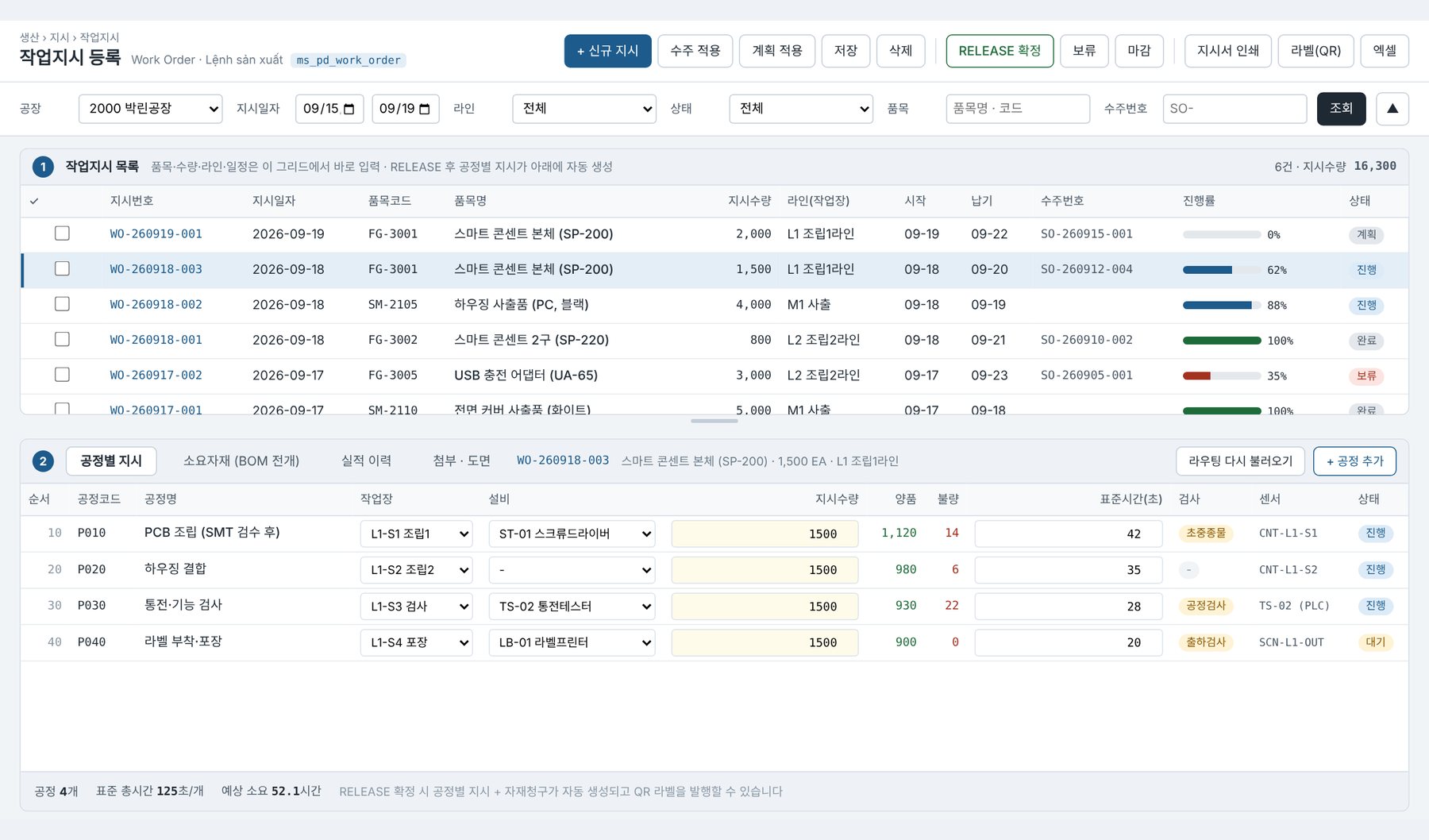
View the work order list at the top and the process instructions at the bottom, and enter data together.

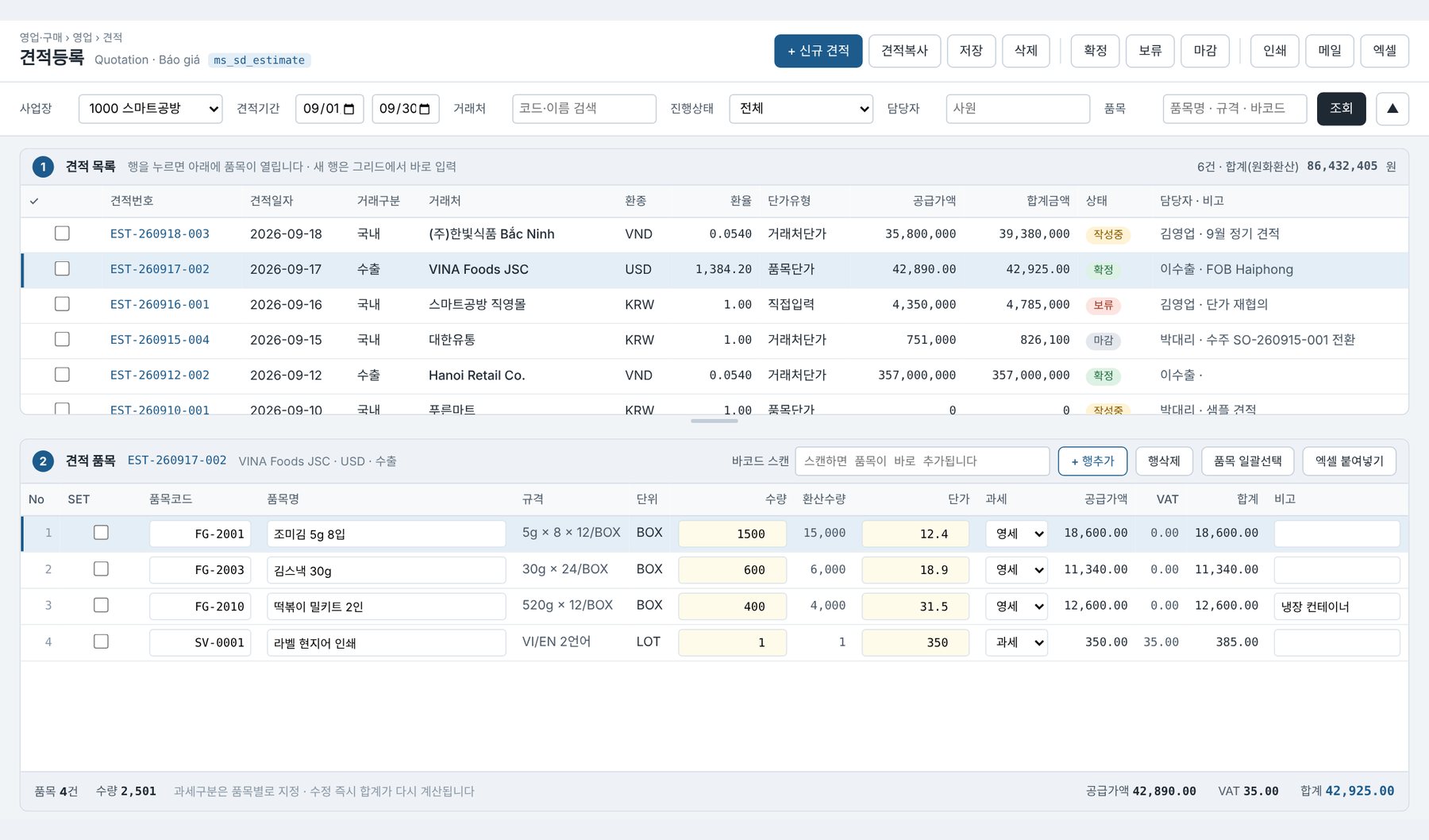
All registration screens share the same two-pane grid structure, so once you learn it, every menu works the same way.

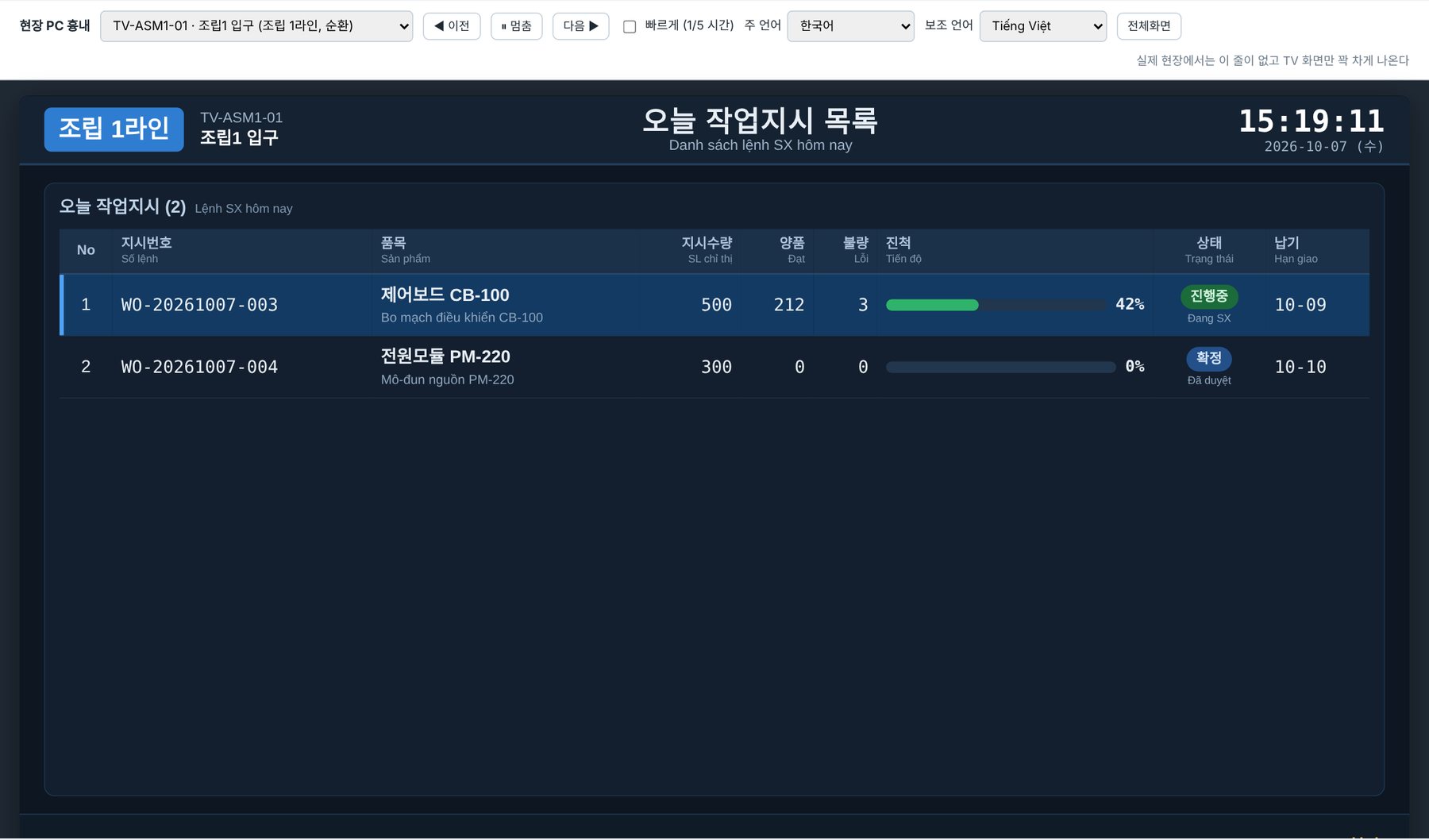
When you turn on the shop-floor PC, that line's instructions for today appear along with progress.

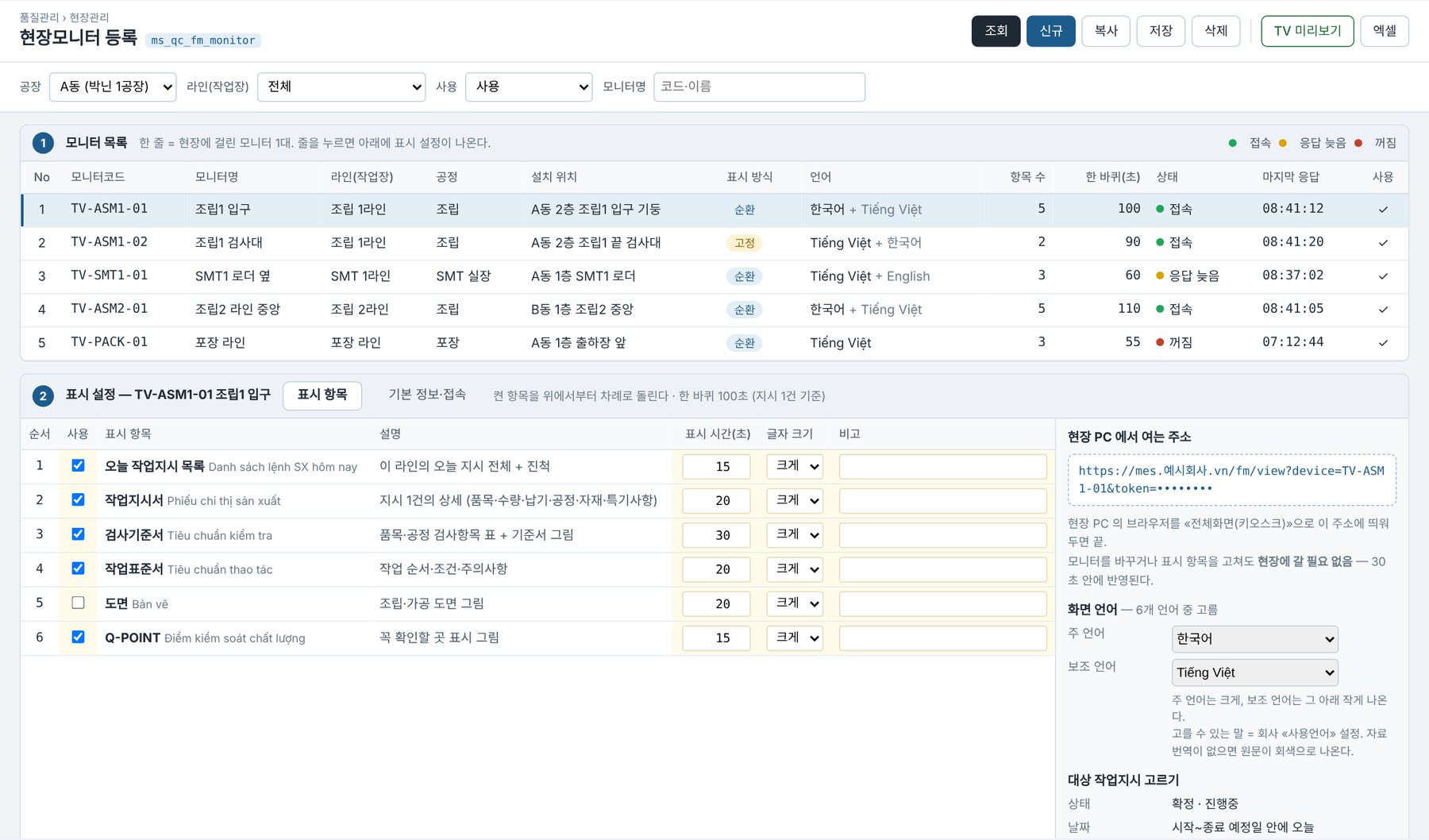
The office decides which monitor shows what, and for how many seconds.

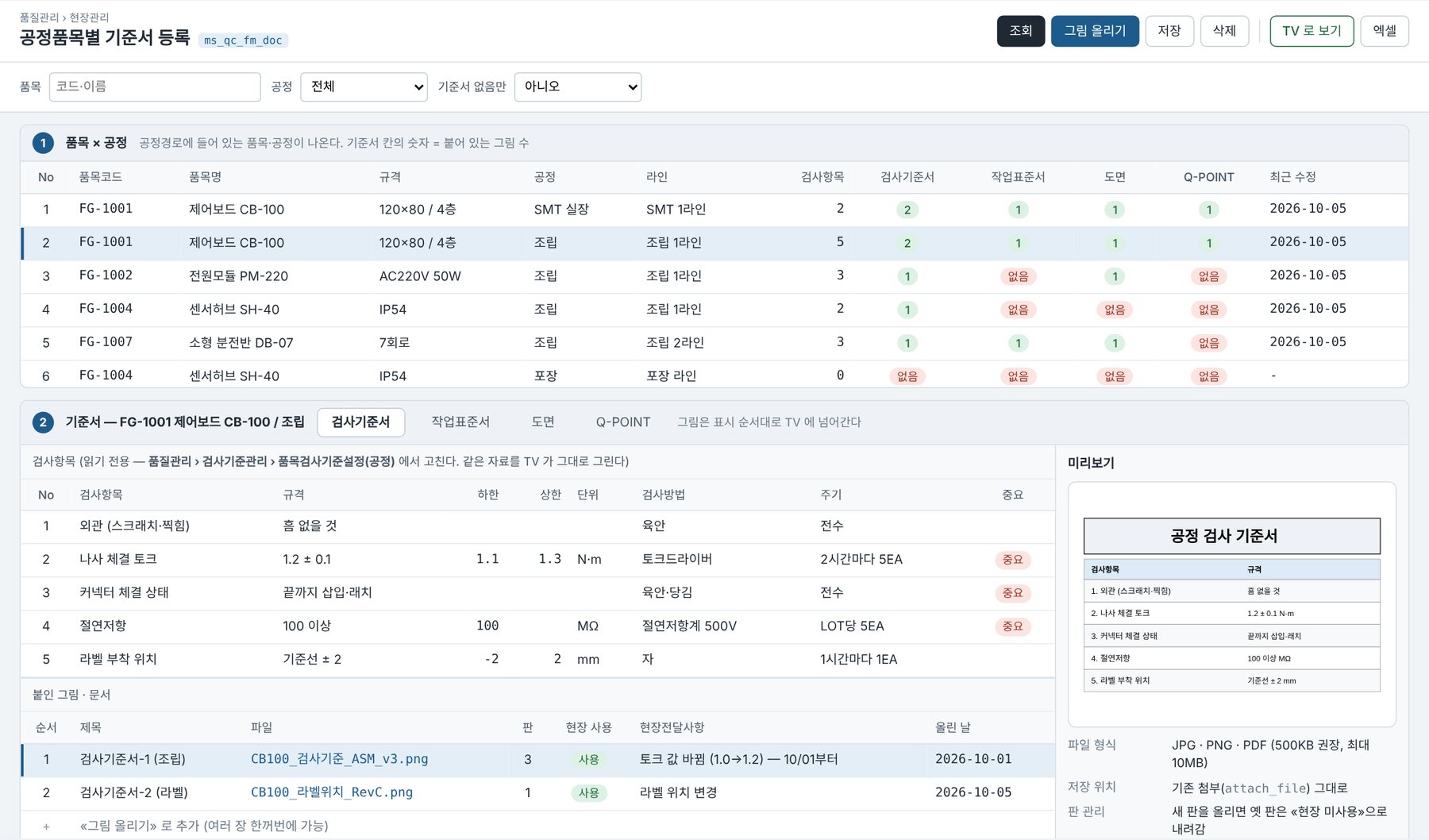
Link inspection standards, work standards, drawings, and Q-POINT to items and processes.

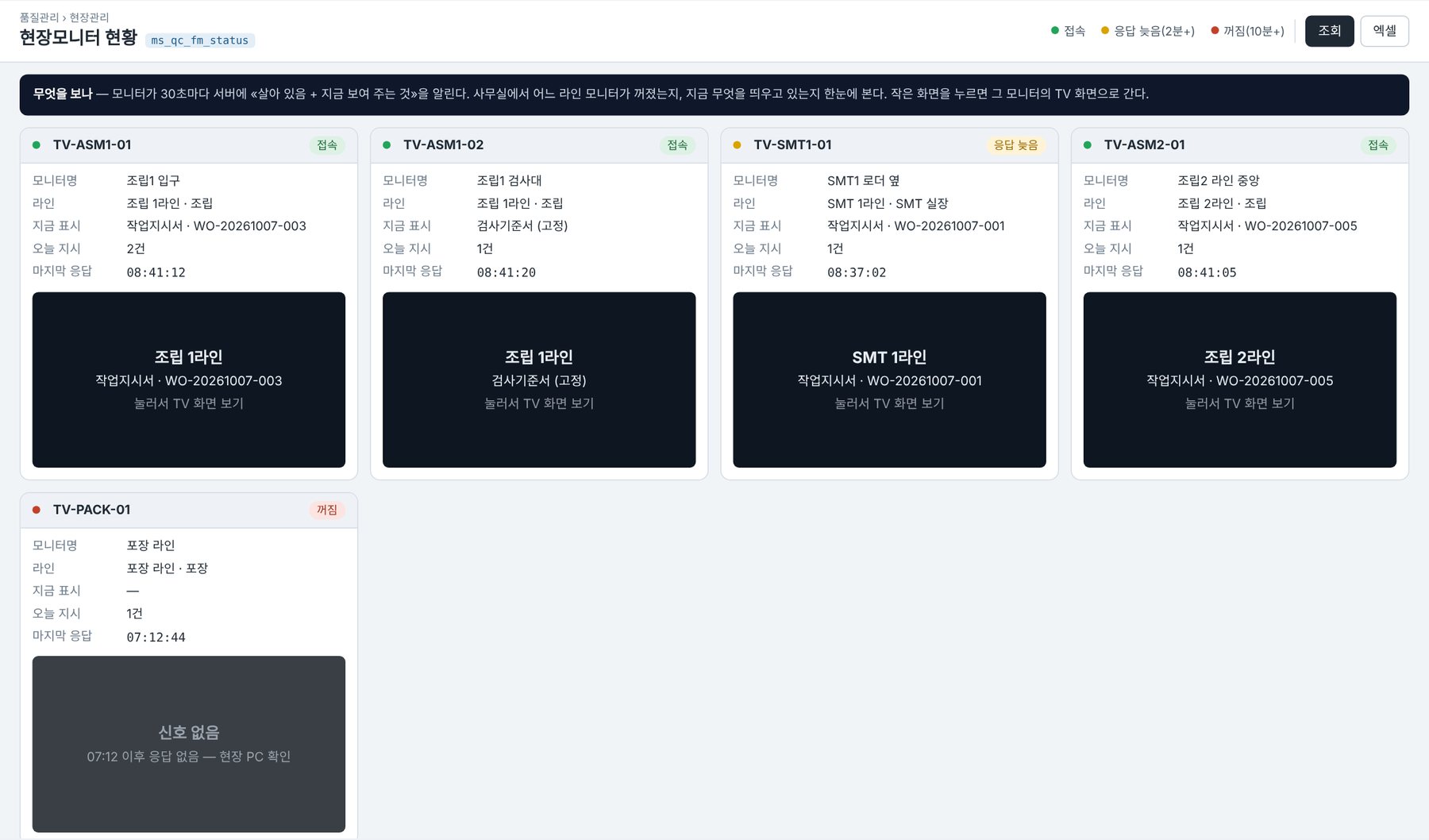
Check each monitor's connection status and the instruction currently displayed.

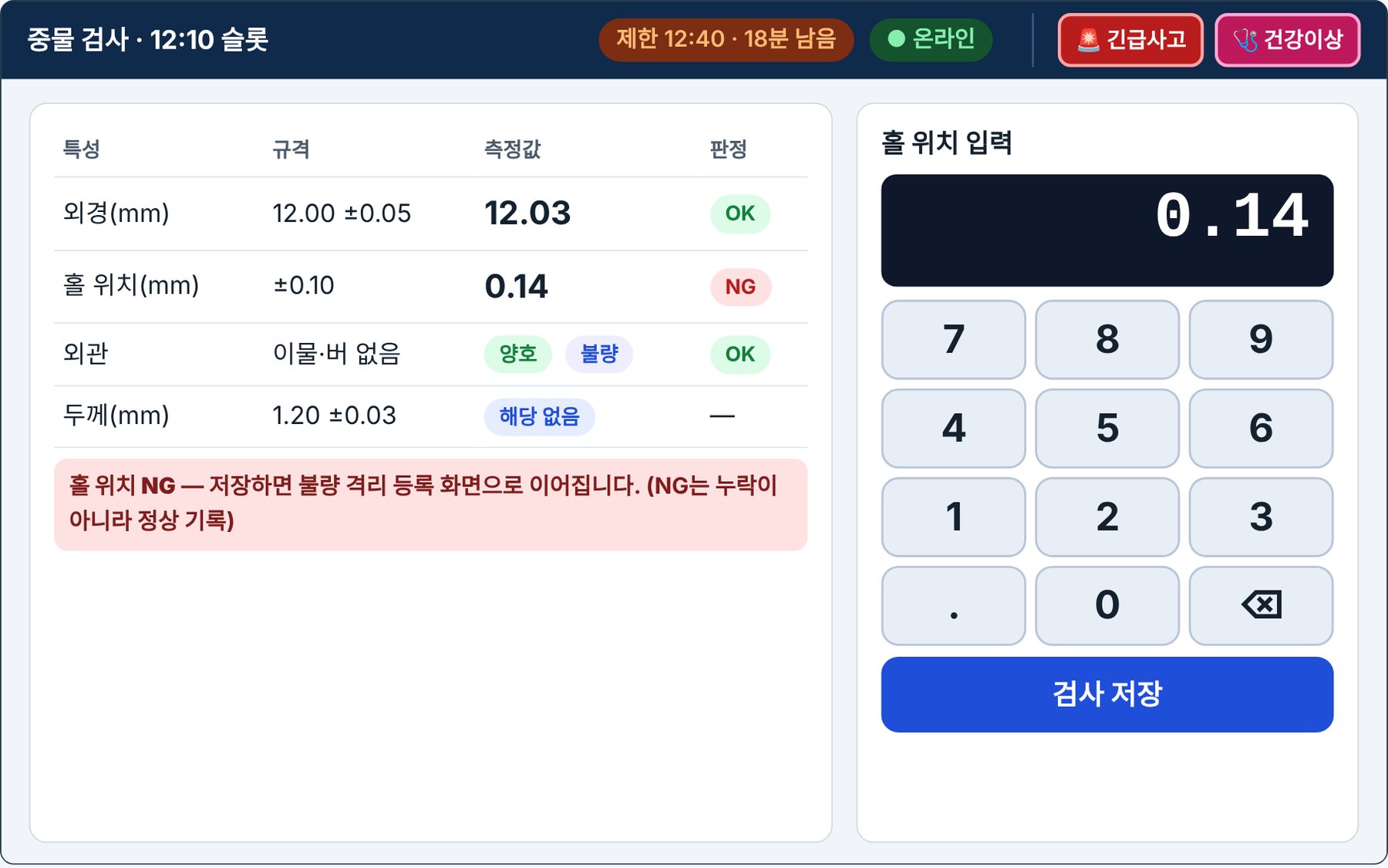
When inspection time arrives, the relevant slot opens and measured values are compared against the specification immediately.

Parts, customers, and figures on the mockup screens are fictional examples; actual screens are configured to each company's standards upon adoption.
Starting from master data and production, you can add logistics, quality, equipment·sensors, and safety management as needed. Designed with 12 modules and about 390 screens.
Instructions·Results·Shop-floor Monitor
From orders to inventory·LOT
Integration of Inspection, Equipment, and Sensors
Pre-work Checks and Safety
Provided as a cloud service or on-premises build; configuration and quotation are provided through consultation.
Director Gwonsup Kim · [email protected]